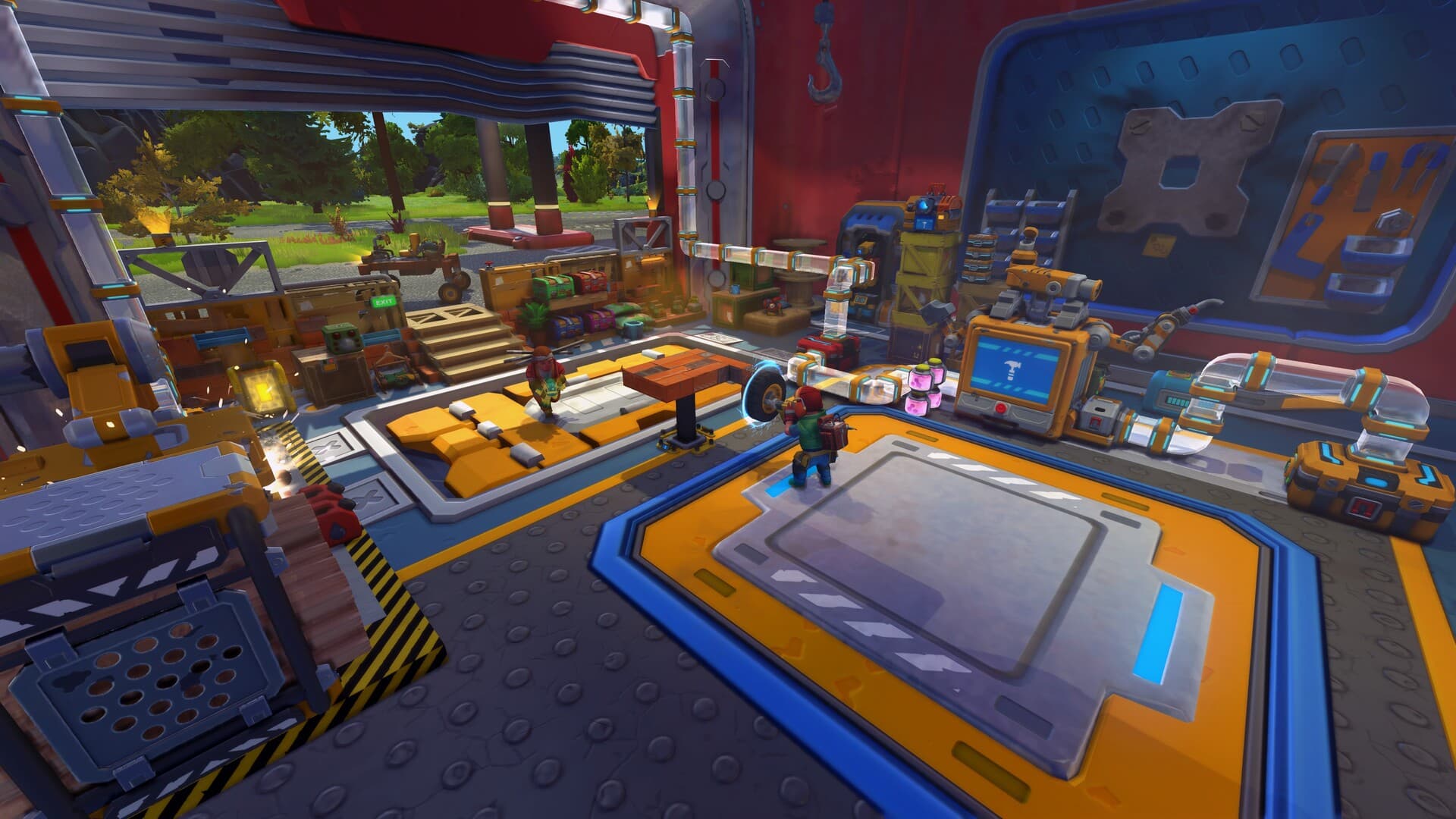


Garage creation sequence
| Step | Player action | What the Garage verifies |
|---|---|---|
| 1. Select | Choose a saved blueprint | The creation can be read and tracked |
| 2. Inspect | Open the material bill | Every required shape and exact quantity |
| 3. Connect | Use the Garage Chest | At least one valid supply container is available |
| 4. Fill | Move or auto-fill missing items | Only shortages are transferred from inventory |
| 5. Assemble | Start the build | No invalid part, negative quantity, or missing material remains |
| 6. Collect | Move the finished creation clear | The tracked blueprint was created successfully |
The Garage consumes the exact materials used by the selected creation. It does not replace locked recipes with free parts.
Garage Chest behavior
| Capacity rule | Value | Why it matters |
|---|---|---|
| Inventory slots | 30 | Large mixed blueprints may need careful stack organization |
| Maximum stack | 256 | Blocks can be staged in large quantities |
| Connected inputs | Included | Additional linked supply containers count toward the bill |
| Fill chest | Missing quantities only | Existing chest stock is not duplicated |
Why the Garage will not build the blueprint
| Symptom | Most likely check | Player fix |
|---|---|---|
| No material bill | Blueprint was not selected or cannot be read | Load a simple unmodified test creation |
| Fill chest moves nothing | Inventory lacks the listed shortages | Collect the exact named blocks or parts |
| Materials look complete | A connected input is missing or inaccessible | Use the Garage Chest directly for the first test |
| Assembly remains blocked | Blueprint contains an invalid or unavailable part | Remove the suspect modded or version-specific part |
| Large build stops short | One stack or slot is full while another material is absent | Sort by the bill, not by total item count |
Creative Blueprint to Survival Creation
The Garage is the supported bridge for a creation designed in Creative or saved from another supported building context. Survival still pays for every block and part in the selected blueprint, so the transfer is a production job rather than a free spawn.
Start with a small unmodded vehicle. A simple four-wheel test proves that selection, chest connection, material counting, and assembly all work before a complex Workshop creation consumes a full supply run.
Read the Bill Before Gathering
The material list is calculated from the actual shapes in the selected creation. Paint, symmetry, or visual size does not determine the cost; the included blocks and interactive parts do.
- Remove decorative mass that does not serve the Survival job.
- Replace unavailable mod parts before collecting materials.
- Check whether the creation depends on recipes that your current world has not unlocked.
- Keep fuel, ammunition, and cargo outside the blueprint bill unless the creation itself requires those items.
Use Fill Chest Without Losing Track
- Empty unrelated items from the Garage Chest.
- Select the blueprint and record the current shortages.
- Carry the matching blocks and parts in the mechanic's inventory.
- Use Fill Chest to transfer only missing quantities.
- Review the bill again and load anything held in external storage.
- Assemble, then move the finished creation away before preparing another blueprint.
Workshop Blueprints and Version Mismatch
A Steam Workshop subscription makes a creation available to the building interface; it does not guarantee that every part exists in the current Survival world. A legacy, modded, or newer-version shape can make the Garage reject an otherwise visible blueprint.
Open the creation in Creative first, remove unsupported parts, save a clean copy, and retry that copy. This isolates blueprint compatibility from a missing-material problem.