

Schematic source quick reference
| Source | Requirement | Unlock result | Version note |
|---|---|---|---|
| Schematic Box scan | 1 Schematic Box at Schematicbot | 1 random eligible recipe | Box is consumed; fresh-save pool is 356 recipes. |
| Blue-icon part scan | Eligible part in operator inventory | Exact matching recipe | Part is not consumed after a successful scan. |
| Farmers Hideout exchange | 1 Broccoli Crate | 5 Schematic Boxes | Two trades fill one 10-box stack. |
| Tapebot drops | Standard or Red Tapebot | 25% chance for 1 Schematic Box | Combat route, not a guaranteed box per bot. |
| Crates | Common, Warehouse, Epic, or Legendary crates | 13.33% to 16.67% box chance by crate group | Higher tiers can award 2-3 boxes. |
| Quest or trader recipe unlock | Named objective or listed trade | Fixed listed recipe | Does not require random box scanning unless stated. |
Unsupported regional-stock claims are removed. The verified Schematicbot locations are kiosk layouts and the Mining Hub.
Schematicbot input behavior
| Input | Recipe selected | Input consumed? | Persistence |
|---|---|---|---|
| Schematic Box | One random eligible recipe | Yes, 1 box | Recipe unlock is shared by the save |
| Eligible blue-icon part | That exact part recipe | No | Recipe unlock is shared by the save |
| Trader recipe offer | Listed recipe | No Schematicbot input | Unlock follows trade completion |
| Quest schematic reward | Quest-defined recipe | No Schematicbot input | Unlock follows objective state |
Turn a Schematic Box into a Crafting Unlock
Do not stop at picking up a Schematic Box. The useful state is the registered recipe after the Schematicbot scan and final unlock confirmation.
The box does not produce a finished item. It opens a recipe, and the item still needs its normal station, materials, and craft time.
How to Get Schematics in Scrap Mechanic from Schematic Boxes
Use Schematic Boxes when you are building the general recipe pool. The box route is not targeted; it is controlled randomness. That means one box should never be promised as the exact missing recipe unless the source data says the pool is already constrained. Scan the box, record the unlock, and then check the Craftbot or Saw Table before assuming the reward failed.
The current data gives the Schematic Box a clear identity: it stacks to 10, is consumed per scan, and can come from verified drop or trade sources. The page table keeps those sources in one place so the route is based on source category and chance, not invented map coordinates.
- Get Schematic Boxes from Farmers Hideout exchange, Tapebot drops, crate routes, or fixed placed-box layouts when found.
- Carry the box stack to a Schematicbot station.
- Scan one box and wait for the roughly two-second scan.
- Confirm the unlock after the scan completes.
- Open the Craftbot or Saw Table list and find the newly available recipe.
How to Get Schematics in Scrap Mechanic from part scans
An eligible part with the blue schematic icon is the precision route. Scan it when you care about that exact recipe more than random pool efficiency.
The current Schematicbot data says the part is not consumed. Once the recipe is unlocked, that part stops appearing as an available scan input.
Part scanning solves a different problem. When the item has a blue icon and the Schematicbot accepts it, the scan is exact rather than random. That makes part scans better for a specific missing build component, while Schematic Boxes are better for widening the recipe pool.
Keep the part scan close to storage if possible. After registration, go straight to the matching crafting station and confirm the recipe appears. If the recipe is visible but cannot be made, the issue is materials or station access, not schematic acquisition.
How to use the Schematicbot
The Schematicbot is a registration station. Stand close enough to interact, choose the accepted input, and wait for the scan to complete before leaving. A half-finished interaction is not the same as a registered unlock, so watch for the recipe result instead of assuming the box leaving your inventory is the final proof.
For multiplayer saves, let the host verify the unlock after scanning. The current site data describes unlock scope at the save level, but host state is still the practical place to diagnose missing recipes. If a client cannot see the recipe, have the host check the station before rescanning another box.
- Inputs: blue-icon part or Schematic Box.
- Box scan: random eligible recipe and one box consumed.
- Part scan: exact matching recipe and part preserved.
- Visible choices: three inputs at a time; use arrows if more are available.
- Locations: kiosk layouts and Mining Hub. Bring the input to the station; the station is fixed.
Schematic route setup before scanning
Prepare a small scan log. Write down the source, the item scanned, and the recipe that appears. This sounds excessive until two boxes in a row unlock recipes you did not need and you cannot remember whether the third box was actually scanned. A simple log also makes mod and version troubleshooting cleaner.
Do not carry every box into a risky route. Scan at a known station, move the unlocked recipe into the build plan, then go back out for more sources. Losing an unscanned box is an inventory loss; losing track of a registered recipe is an information problem.
- Collect one verified Schematic Box or one eligible blue-icon part.
- Bring it to a Schematicbot location such as a kiosk layout or Mining Hub station.
- Scan one item at a time and wait for the unlock result.
- Check the correct Craftbot or Saw Table recipe list.
- Record the unlock before scanning the next source.
Schematic image checkpoints and common misreads
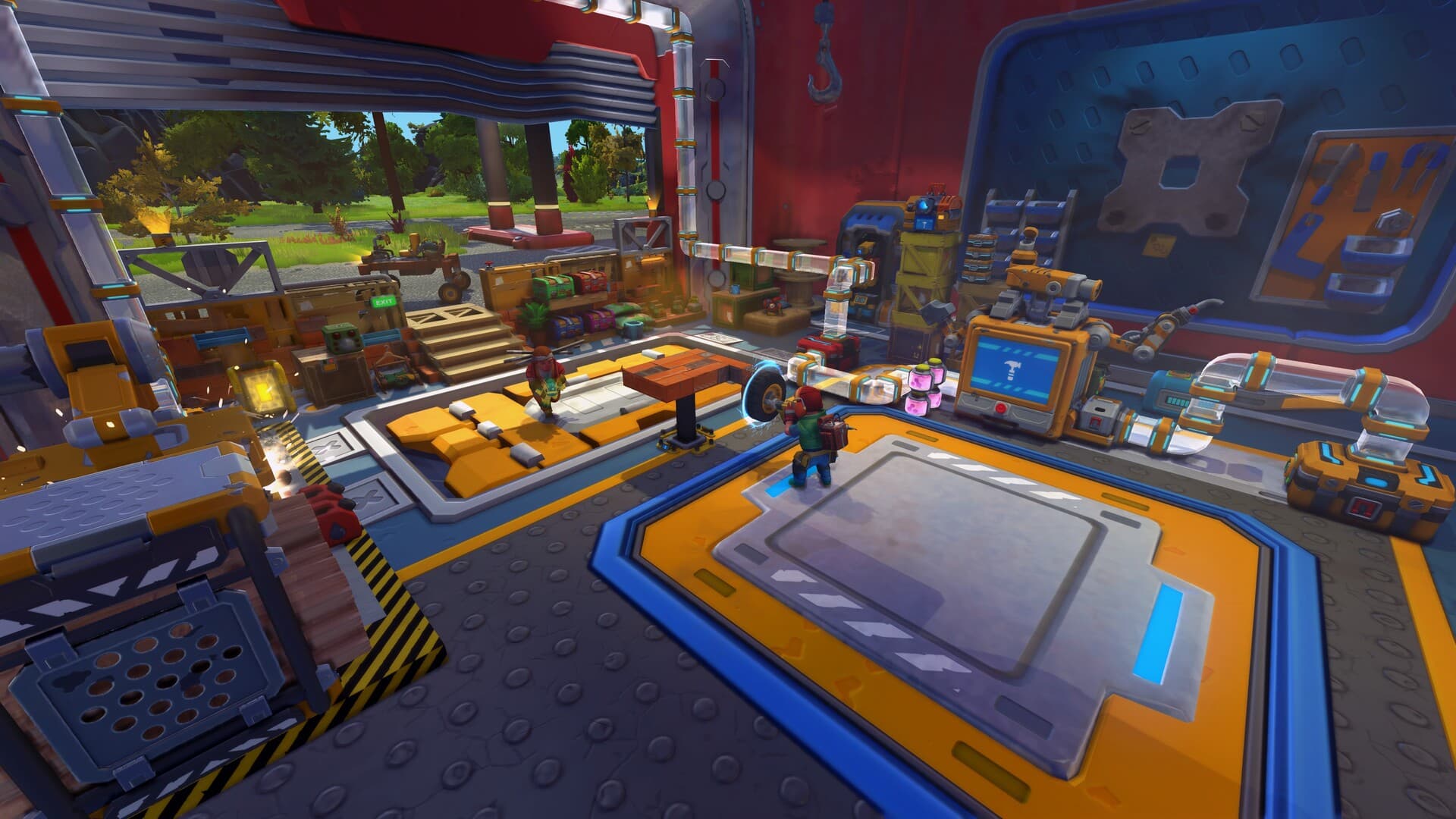
The Schematic Box image marks random-pool progression. The Schematicbot image marks registration. Put together, they show the full loop: obtain a valid source, scan it, then verify the recipe at the station. Skipping the verification step is the fastest way to misdiagnose a normal material shortage as a schematic bug.
Do not read the Schematicbot image as a shop interface. The current route is scan and register first, then craft elsewhere when the recipe and materials are available.
Why the recipe is not showing
- You left after the scan timer and did not press the final unlock control.
- You checked the wrong station; the random pool can include Craftbot and Saw Table outputs.
- The recipe was already unlocked before the scan.
- The box pool is exhausted in this save, so carried boxes may stop appearing as usable inputs.
- In multiplayer, let the host complete one scan and then recheck the shared recipe list.
Frequently asked questions
- Where do you find Schematic Boxes? Farmers Hideout trades, Tapebot drops, crate rewards, and specific placed-box layouts are verified in the repository data.
- What does the Schematicbot do? It registers recipe unlocks from boxes or eligible blue-icon parts.
- Can you lose a schematic unlock? The registered recipe is shared by the save; losing an unscanned box is not the same as losing an unlocked recipe.
- Do Schematicbots sell rotating stock? No. The current data describes fixed stations and separate trader recipe offers, not regional stock.
Related guides
- How to Get Oil in Scrap Mechanic — Collect Crude Oil used by unlocked crafting routes.
- How to Get Water in Scrap Mechanic — Collect and automate Water for unlocked recipes and farms.
- How to Get Batteries in Scrap Mechanic — Gather Batteries for unlocked electric parts and builds.
- All Scrap Mechanic Guides — Return to the complete guide directory.